
Skip to content
Bare Metal

GPU Server

Dedicated NVIDIA GPU power for AI, machine learning, and rendering — server location Germany, 100% carbon-neutral electricity.
GDPR
compliant
99.99%
Availability
100%
Green Energy
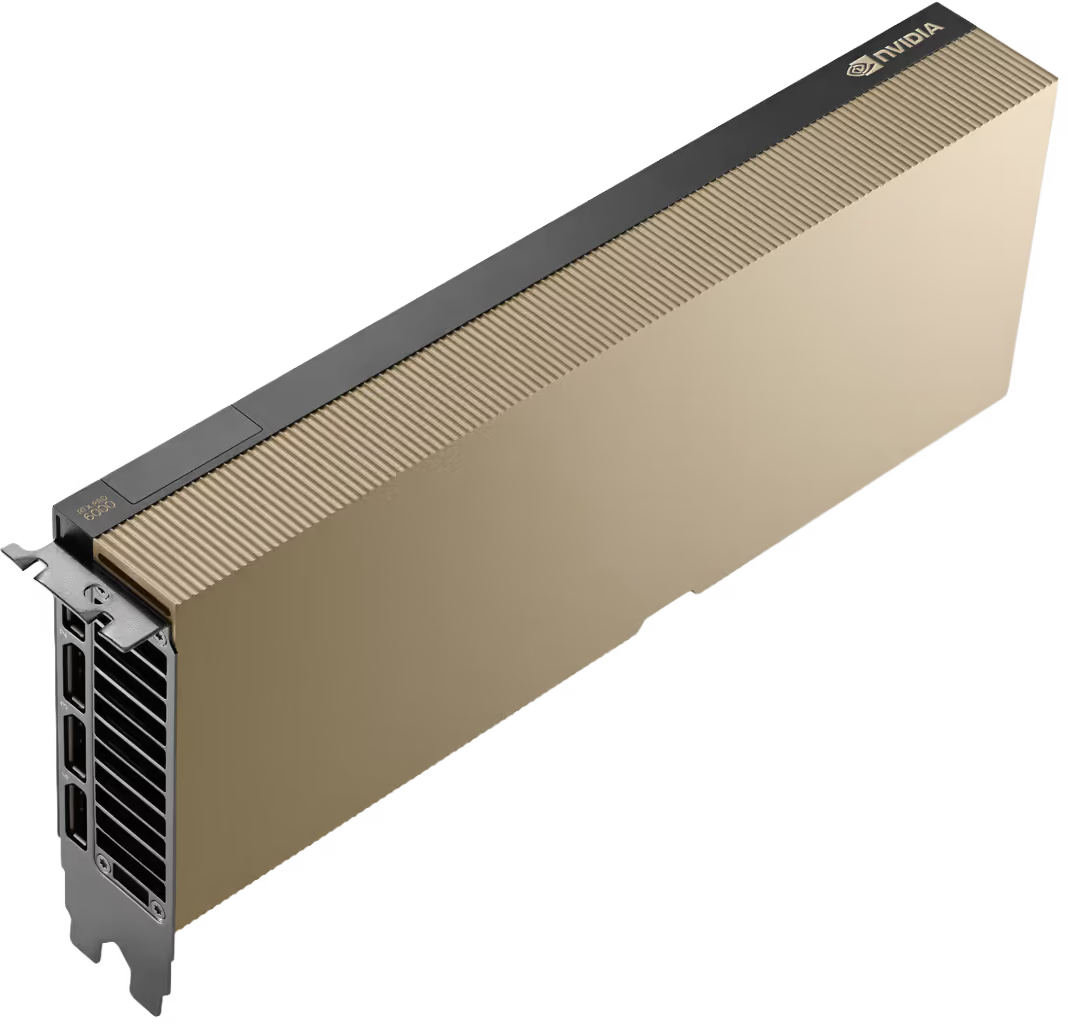
Supermicro · RTX PRO 6000 Server Edition
Available now NVIDIA

Supermicro · RTX PRO 6000 Server Edition

GPU Server
LLM training · 128 GB RAM · 96 GB GDDR7
up to ~16,000 TFLOPS
up to 3,008 Tensor Cores
from € 2,383.20
monthly

1 system with 128 GB RAM available now · in this configuration only
96 GB GDDR7 GPU memory
Up to 4× GPUs configurable
5th Generation Tensor Cores (FP4)
LLM training & multi-GPU
Configure
Supermicro · RTX PRO 6000 Server Edition
Available now NVIDIA

Supermicro · RTX PRO 6000 Server Edition

GPU Server
LLM training · 256 GB RAM · 96 GB GDDR7
up to ~16,000 TFLOPS
up to 3,008 Tensor Cores
from € 2,511.20
monthly

1 system with 256 GB RAM available now · in this configuration only

96 GB GDDR7 GPU memory
Up to 4× GPUs configurable
5th Generation Tensor Cores (FP4)
LLM training & multi-GPU
Configure
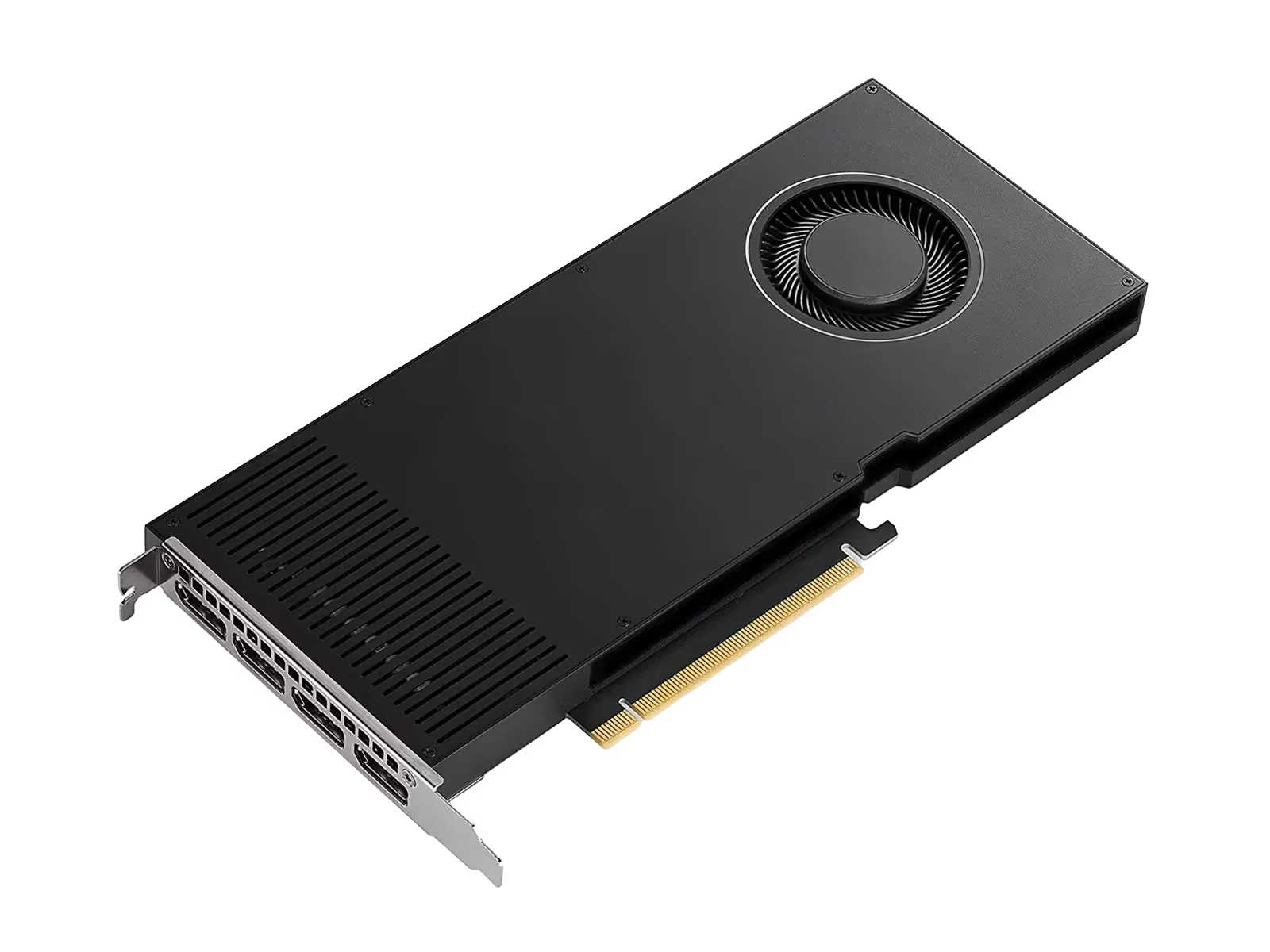
Dell R750xa · RTX 4000 Ada
NVIDIA

Dell R750xa · RTX 4000 Ada

GPU Server
Inference · 20 GB GDDR6
up to ~1,227.2 TFLOPS
up to 768 Tensor Cores
from € 927.20
monthly
20 GB GDDR6 GPU memory
Up to 4× GPUs configurable
4th Generation Tensor Cores (FP8)
Inference & rendering
Configure
Dell R7615 · RTX PRO 6000 Blackwell
NVIDIA

Dell R7615 · RTX PRO 6000 Blackwell

GPU Server
LLM inference · 96 GB GDDR7
up to ~7,022 TFLOPS
up to 1,504 Tensor Cores
from € 2,671.20
monthly
96 GB GDDR7 GPU memory
Up to 2× GPUs configurable
5th Generation Tensor Cores (FP4)
LLM inference & fine-tuning
Configure
Dell R760xa · RTX PRO 6000 Blackwell
NVIDIA

Dell R760xa · RTX PRO 6000 Blackwell

GPU Server
LLM training · 96 GB GDDR7
up to ~14,044 TFLOPS
up to 3,008 Tensor Cores
from € 3,399.20
monthly
96 GB GDDR7 GPU memory
3 or 4× GPUs configurable
5th Generation Tensor Cores (FP4)
LLM training & multi-GPU
Configure
Dell R7725 · H100 NVL & L40S
Flexibly configurable NVIDIA

Dell R7725 · H100 NVL & L40S

GPU Server
H100 NVL · L40s · RTX PRO 6000 · L4 Ada · A2
up to ~7,916 TFLOPS
up to 1,280 Tensor Cores
from € 1,727.20
monthly
94 GB HBM3 GPU memory (H100 NVL)
Up to 2× H100 or 6× L4 Ada
4th Generation Tensor Cores (FP8)
Training, inference & multi-GPU
Configure
Dell AI Server · Any GPU

Custom GPU Infrastructure

INGATE delivers any Dell PowerEdge AI server — individually configured with any currently available GPU on the market. Whether NVIDIA H100, H200, B200, B300, RTX PRO 6000 Blackwell, or AMD Instinct: We build your system precisely to your requirements.

From a single inference GPU to a multi-node cluster with NVLink — we advise you personally, analyze your workload, and recommend the optimal configuration for maximum performance per euro.
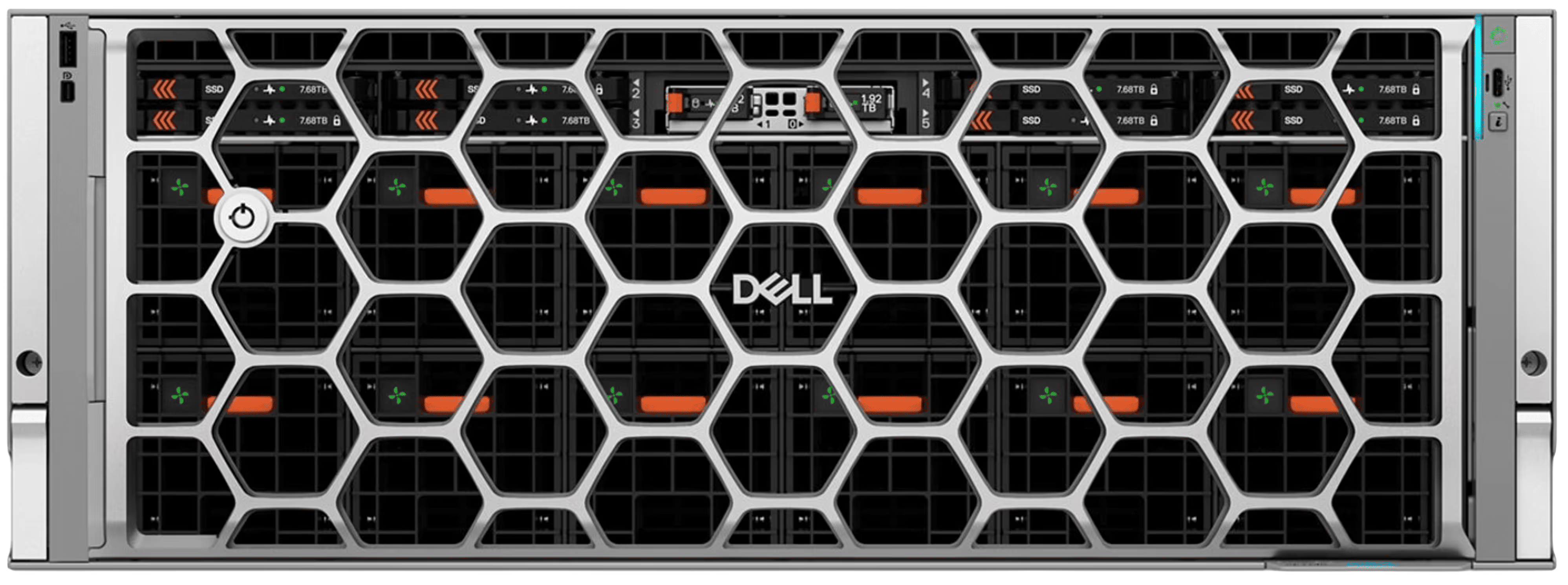
Any Dell PowerEdge AI server configurable
Any GPU: NVIDIA H100/H200/B200/B300, RTX PRO, AMD Instinct and more
CUDA, cuDNN & TensorRT pre-installed on request
Multi-GPU setups with NVLink & Direct Liquid Cooling
Direct Connect to INGATE Cloud
Free workload analysis & hardware consulting
Request a Quote
Dell PowerEdge XE7740 GPU Server

Dell PowerEdge AI Server — All Models Available

We deliver any Dell PowerEdge AI server individually configured to your specifications. Here is an overview of all available model series:

PowerEdge XE9785
8× GPU · Air-Cooled · HGX B300
PowerEdge XE9785L
8× GPU · Liquid-Cooled · HGX B300
PowerEdge XE9780
8× GPU · Air-Cooled · HGX B300
PowerEdge XE9780L
8× GPU · Liquid-Cooled · HGX B300
PowerEdge XE9712
GB300 NVL72 · Rack-Scale
PowerEdge XE9685L
8× GPU · Liquid-Cooled · AMD EPYC
PowerEdge XE9680
8× GPU · Air-Cooled · HGX B200
PowerEdge XE9680L
8× GPU · Liquid-Cooled · HGX B200
PowerEdge XE8712
Highest GPU density · up to 144 GPUs
PowerEdge XE8640
4× GPU · Air/Liquid Cooling
PowerEdge XE7745
Up to 8× GPU · AMD EPYC · 4U
PowerEdge XE7740
Up to 8× GPU · Intel Xeon™ · 4U
PowerEdge R770
Mainstream AI · RTX PRO 6000
PowerEdge R760xa
Multi-GPU · Versatile
PowerEdge R7725
Dual AMD EPYC · Up to 6× GPU
PowerEdge R6725
AMD EPYC · Compact · 1U
PowerEdge M7725
Modular · IR7000 Rack · Up to 74 Nodes
PowerEdge XR9700
Edge · Ruggedized · Robust

All models individually configurable — with any currently available GPU. Contact us for your custom quote.
GPU Server Infrastructure

Your Advantages at a Glance

GPU infrastructure for AI and ML is complex. At INGATE, we analyze your workload and recommend the optimal GPU configuration. Your data and models remain on sovereign German infrastructure.

Personal GPU consulting: workload analysis instead of shopping cart
Dedicated hardware without shared resources
Premium Network: Lowest Latency via Direct Peering to Telekom & Vodafone
CUDA, cuDNN & TensorRT integration support
German infrastructure, no Cloud Act
From a single GPU to multi-GPU clusters
Direct Connect to INGATE Cloud

GPU Comparison

Dedicated NVIDIA GPUs for every performance tier.

Model GPU RAM Tensor TFLOPS Tensor Cores Use Case
NVIDIA H100 NVL 94 GB HBM3 ~3,958 640 (FP8) LLM Training, HPC
NVIDIA RTX PRO 6000 Blackwell Server Edition 96 GB GDDR7 ~4,000 752 (FP4) LLM Training, Inference, Multi-GPU
NVIDIA RTX PRO 6000 Blackwell 96 GB GDDR7 ~3,511 752 (FP4) LLM Training, Multi-GPU
NVIDIA L40s 48 GB GDDR6 ~1,466 568 (FP8) Training, Inference, VDI
NVIDIA RTX 6000 Ada 48 GB GDDR6 ~1,322 568 (FP8) Rendering, Training
NVIDIA L4 Ada 24 GB GDDR6 ~485 240 (FP8) Inference, Video, VDI
NVIDIA RTX 4000 Ada 20 GB GDDR6 ~307 192 Inference, Rendering
NVIDIA A2 16 GB GDDR6 ~36 128 Inference (Entry)

Additional GPU models available on request.

More Services

Personal Hardware Consulting

Which GPU architecture suits your framework? How much GPU memory do you need? Is multi-GPU worthwhile? We analyze and recommend — for maximum performance per euro.

CUDA Support & Data Sovereignty

CUDA, cuDNN, TensorRT pre-installed on request. Container runtime for GPU workloads. Your training data and models remain on German infrastructure — no US Cloud Act.

Scalable GPU Clusters

From a single GPU to multi-GPU clusters. Direct Connect to the INGATE Cloud for hybrid workloads.

Learn more

Network & Connectivity

IPv4 and native IPv6, IP addresses per RIPE. Network cards up to 100G (Intel, Broadcom, NVIDIA ConnectX-6). Direct Connect for minimal latency.

INGATE Premium Support

Support via email and phone, free 24/7 emergency hotline, personal point of contact, and highly qualified on-site personnel.

Managed Option

Every GPU server can optionally be operated as a managed server — with regular system and security updates, GPU monitoring, and framework updates.

Technical Highlights

State-of-the-art infrastructure in our data centers for your business-critical applications.

Redundant Power Supply

Dual-path A/B power supply down to the rack. Dedicated transformers, UPS, and backup generators.

High-Efficiency Cooling

PUE < 1.20 through free cooling and cold aisle containment. Optimized for high-density up to 20 kW per rack.

Fire Protection

VESDA early detection and damage-free gas extinguishing system.

High-Speed Backbone

Redundant high-performance backbone with multiple 100Gbit/s links. Direct peering at DE-CIX and MuCon-X for lowest latencies.

Physical Security

Security level SK4. Biometric access control and comprehensive video surveillance.

Sustainability

Carbon-neutral operations with 100% green energy. Certified green electricity and waste heat recovery.

Certified Security

INGATE's information security management system is certified to ISO/IEC 27001:2022 and ISO/IEC 27017:2015. The data centers we use hold their own certificates for building, infrastructure and operations.

INGATE

Data Center EMC Home of Data, Munich

ISO 27001
Information Security
ISO 9001
Quality Management
ISO 50001
Energy Management
DIN EN 50600
DC Availability Class 3
CSR 26001
Corporate Responsibility
TÜV Süd
100% Green Energy

Certificates held by the operator of our primary data center in Munich. All additional data centers we use are at least ISO 27001 certified and powered by 100% renewable energy, NorthC Nuremberg additionally to DIN EN 50600 CAT III. Select locations also hold SOC 1, SOC 2, and PCI-DSS certifications.

Frequently Asked Questions

Answers to the most important questions about GPU servers.

Which GPU is right for my AI project?
That depends on the workload: For inference and rendering, we recommend the RTX 4000 Ada (20 GB GDDR6, 130 W, efficient full-height card). For LLM training and multi-GPU setups, the RTX PRO 6000 Blackwell (96 GB GDDR7) is the better choice. The RTX PRO 6000 Blackwell Server Edition with 600 W is available on request in a Supermicro chassis. We analyze your workload free of charge.
What is the difference between RTX PRO 6000 Max-Q and Server Edition?
Both variants use the same Blackwell chip with 96 GB GDDR7 and identical memory bandwidth — they differ in power draw and cooling. The Max-Q runs at 300 W with its own blower fan and fits our Dell PowerEdge R760xa, which takes up to four cards. The Server Edition draws 600 W and is cooled passively by chassis airflow, so it requires a chassis designed for it — we offer it in our Supermicro GPU server with up to four cards, two of which are available immediately. Peak compute of the Max-Q is roughly 10 to 15 percent lower. For bandwidth-limited LLM inference the practical difference is smaller, because memory rather than compute is the limit there.
Are multi-GPU setups possible?
Yes, we implement multi-GPU configurations for demanding AI and ML workloads. The GPUs can also be connected to the INGATE Cloud via Direct Connect for hybrid workloads.
What software is pre-installed?
Upon request, we pre-install CUDA, cuDNN, TensorRT, and container runtimes for GPU workloads. We support all major ML frameworks including PyTorch, TensorFlow, and JAX.
Does my training data stay in Germany?
Yes, your data and models remain on sovereign German infrastructure. As an owner-managed German GmbH, we are not subject to the US Cloud Act.
Which operating systems are supported?
The common choices are Ubuntu 24.04 LTS and 22.04 LTS, Debian 13, Rocky Linux 9 and AlmaLinux 9, each with matching NVIDIA drivers. Windows Server is available against a licence fee, as is installing your own ISO through the iDRAC virtual media function. Other distributions we pre-install at no extra cost.
Is a different hardware configuration possible?
Yes, we can configure any system to your specifications — including GPU configuration, storage, and networking. Our hardware consulting is included.
What is inference and how does it differ from training?
Inference refers to using an already trained AI model to make predictions or decisions in real time — such as image classification, speech recognition, or chatbots. Training, on the other hand, is the upstream process where the model learns from large datasets and optimizes its parameters. Training requires massive computing power and is typically performed on GPUs like the NVIDIA H100 or A100, which feature Tensor Cores and high VRAM bandwidth (HBM3). Inference can often be run on more efficient GPUs like the NVIDIA L4, T4, or RTX series, as throughput and energy efficiency matter more than raw computing power.
What are the differences between GPUs for rendering and AI workloads?
Rendering GPUs like the NVIDIA RTX PRO 6000 are optimized for visualization, CAD, VFX, and simulation. Their focus is on RT Cores (raytracing) and high VRAM for large scenes. AI GPUs like the NVIDIA H100 or A100 prioritize Tensor Cores for matrix operations and offer higher memory bandwidth through HBM3 technology — critical for training large models. Some GPUs like the NVIDIA L4 or the RTX series can handle both tasks well, making them ideal for companies that need both rendering and inference. INGATE advises you individually on which GPU configuration optimally suits your workload.
Which GPUs have a hardware video encoder?
A common misconception: the A100, H100 and H200 have no NVENC encoder. They only carry decoders, so FFmpeg transcoding falls back to the CPU. Hardware encoding is available on the RTX 4000 Ada, the RTX PRO 6000 Blackwell and the L4 Ada, all of which encode H.264, HEVC and AV1 in hardware. The Tesla T4 and A10 have NVENC but no AV1. If video transcoding is part of your workload, talk to us first so the card matches it.
Are continuous workloads allowed?
Yes. You rent dedicated hardware, with no fair-use limit, no throttling and no interruption as with spot instances. Training that runs for weeks works exactly like continuous inference in production. There are no egress fees of the kind hyperscalers charge.
What is included in the monthly price?
Rack space in the data centre, power, cooling, network connectivity at 1 Gbit/s full duplex with 25 TB of transfer volume, plus spare parts and hardware replacement in case of failure. You carry neither procurement cost nor residual value risk.
Can I move to more powerful hardware later?
Yes, at any point during the term, as far as it is technically feasible. Additional cards or more memory can usually be added while the server keeps running. A move to a different server model is set up in parallel so you can migrate without time pressure.
How long does provisioning take?
Usually five to ten working days after we receive your order. That figure is deliberately non-binding because GPU supply fluctuates — we give you a firm date with the order confirmation. Cards we hold in stock are considerably faster. For models with longer procurement times, such as the H200 NVL, plan for several weeks.
Do the cards support NVLink?
The RTX PRO 6000 Blackwell has no NVLink, the cards couple over PCIe 5.0 x16, which in practice gives us around 55 GB/s between two cards. The H100 NVL and H200 NVL have real NVLink at roughly 600 GB/s, about ten times as much. If each card holds its own model this makes no difference. If you split one model across several cards using tensor parallelism, for instance with vLLM or SGLang, the faster interconnect means noticeably more throughput and lower latency — the larger the model, the more it matters.
How much system memory does a GPU server need?
As a rule of thumb, system memory should at least match the combined video memory. A host with two 96 GB cards should therefore not run on 128 GB of RAM — when loading, quantising or converting models the weights sit in system memory for a while, and it becomes the bottleneck. For pure inference with models that stay resident in VRAM you can get by with less. We will tell you plainly when saving money at this point makes no technical sense.
Do you offer the B200 or B300 as a PCIe card?
No, and that is not down to us: with Blackwell, NVIDIA dropped the PCIe card format for its large data centre GPUs. The B200 and B300 exist only as SXM modules mounted on an HGX board carrying eight GPUs. A single card cannot be separated out. If you need that performance class we build it on an HGX platform with eight GPUs per server. As a PCIe card, the RTX PRO 6000 Blackwell is the strongest option.
Are your staff bound to confidentiality?
Yes. Every member of staff with potential access to customer systems is expressly bound to confidentiality and instructed on the criminal consequences, as are any subcontractors we use. With a dedicated server we have no technical access to the running system: physically exclusive hardware with no virtualisation layer, and privileged access is yours alone.
We are bound by professional secrecy — do you offer an agreement under § 43e BRAO and § 203 StGB?
Yes, and we sign it as standard. The agreement follows the Bitkom template and contains the duty of silence without time limit, the instruction on criminal liability under § 203 (4) of the German Criminal Code, and the obligation of every person we bring in. It is a standard annex to the data processing agreement and is signed before provisioning.
Does CUDA peer-to-peer work between the cards?
On a dedicated bare metal system, direct peer-to-peer access is possible with the right BIOS and driver configuration. We cannot guarantee it as a standard feature, and it is not available in a virtualised environment. Tell us in advance which framework you use and whether you split one model or load one per card, and we will check it for your case.
Can I reach the BIOS through KVM over IP?
Yes. iDRAC access includes the console with BIOS and UEFI, so you can change PCIe and IOMMU settings yourself. The virtual media function also lets you mount your own ISO. On request we restrict iDRAC access to a fixed IP address, which makes it unreachable from outside.
Do you handle backups?
Not on a dedicated GPU server. You are responsible for the operating system and therefore for backup and restore as well. We provide backups with managed servers, where we take over administration. Tell us beforehand if you need it and we will design the environment accordingly.
Is INGATE certified?
Yes. INGATE is ISO/IEC 27001:2022 certified by British Assessment Bureau, a UKAS-accredited certification body. INGATE is also certified to ISO/IEC 27017:2015 for information security in cloud services. The ISMS covers all INGATE products and services. Certificate numbers and verification are on our About page.

Technology Partners & Memberships

Dell PartnerDirect
Equinix
EMC Home of Data
Juniper Networks
LiveConfig
Microsoft Cloud Solution Provider
Microsoft SPLA Partner
RIPE NCC Member